Windows
GST invoice software for PC: free, offline, Windows 10 and 11.
A real desktop app, not a browser shortcut. It bundles its own database, so billing, stock and reports keep working when the internet does not, and it syncs to the same account you use on the web and Android.
- Works offline; syncs when back online
- Local backups plus cloud backups
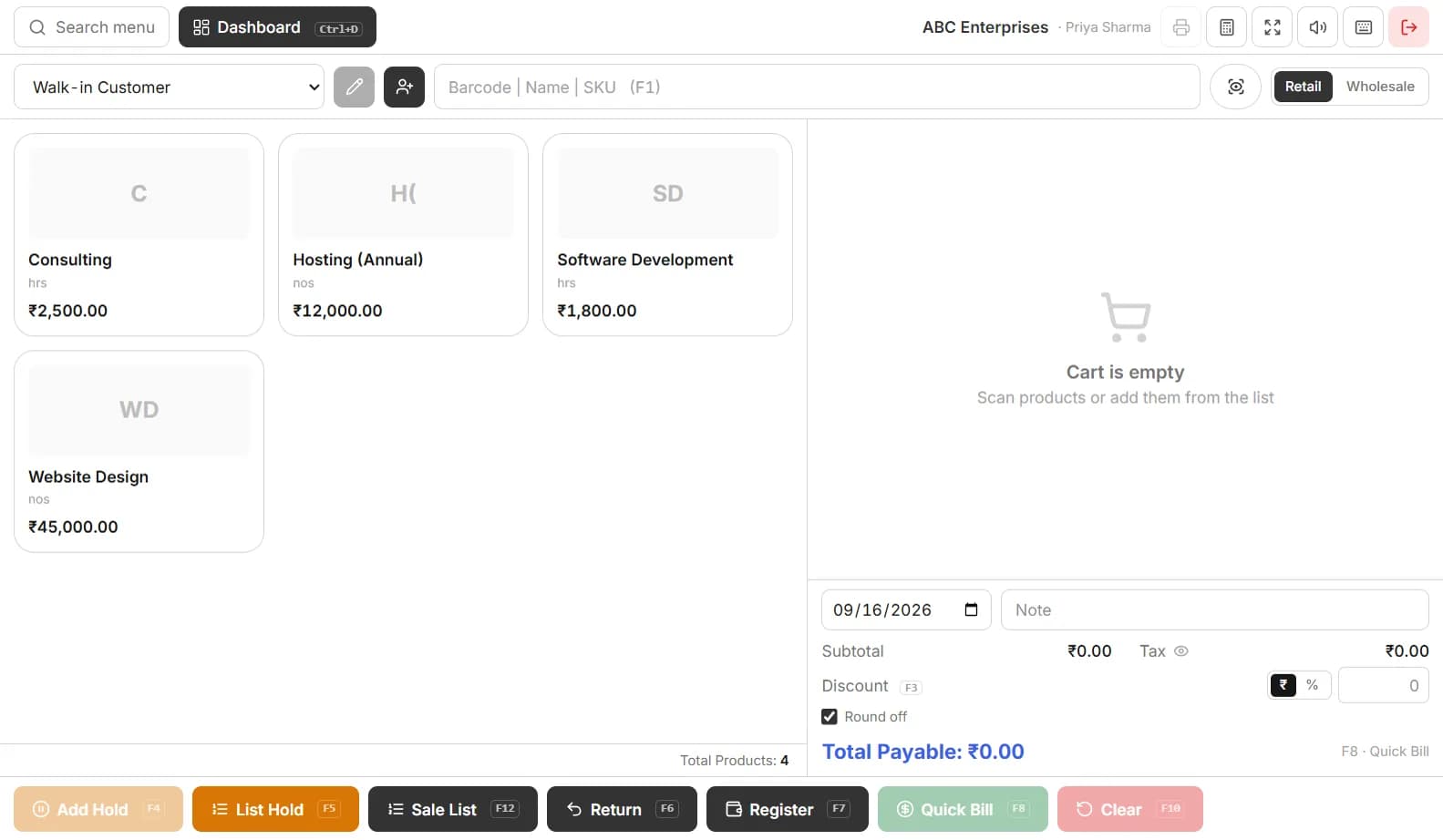
- POS with barcode scanner and thermal printer support
TripleBill for Windows
Version 1.4.0 · 491 MB · released 20 Sept 2026
Windows 10 or 11, 64-bit; about 1.5 GB free disk space. Works offline after the first sign-in.
Verify the file (SHA-256)
9533808a6b01e8339ce18777835472f296fcee16e07992ee2864c554ce7b217eWindows: run certutil -hashfile Triple-Setup-1.4.0.exe SHA256 in a terminal and compare. The download is also served over HTTPS from triplebill.app only.
Install in four steps
- 1Download Triple-Setup-1.4.0.exe (491 MB) and open it.
- 2If Windows SmartScreen appears, compare the SHA-256 above, then choose More info → Run anyway.
- 3Sign in with your TripleBill account or create one. The first sign-in needs internet; after that the app works offline.
- 4Set your printer under Settings → Print (58 mm or 80 mm thermal, or A4) and bill from POS.
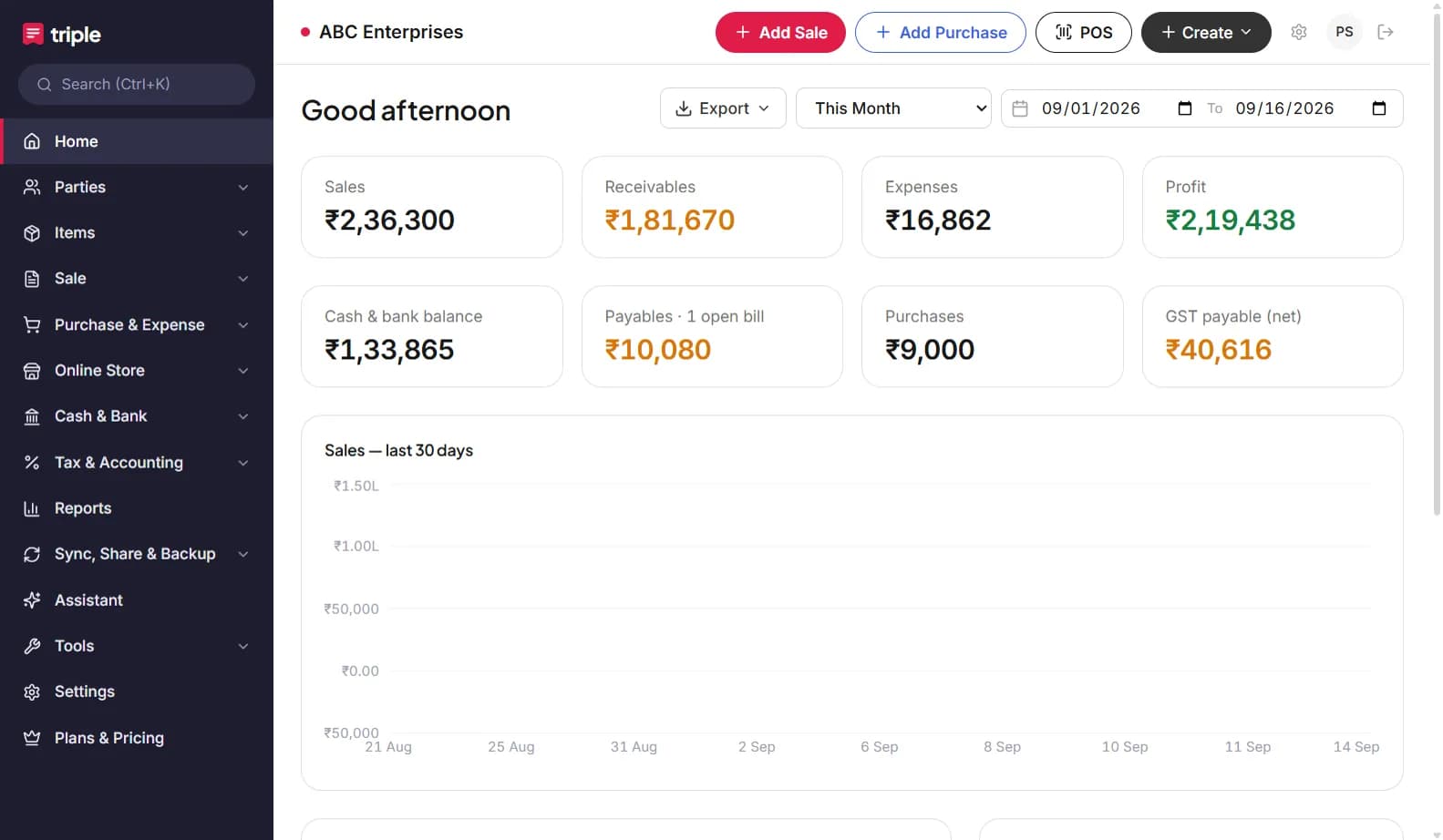
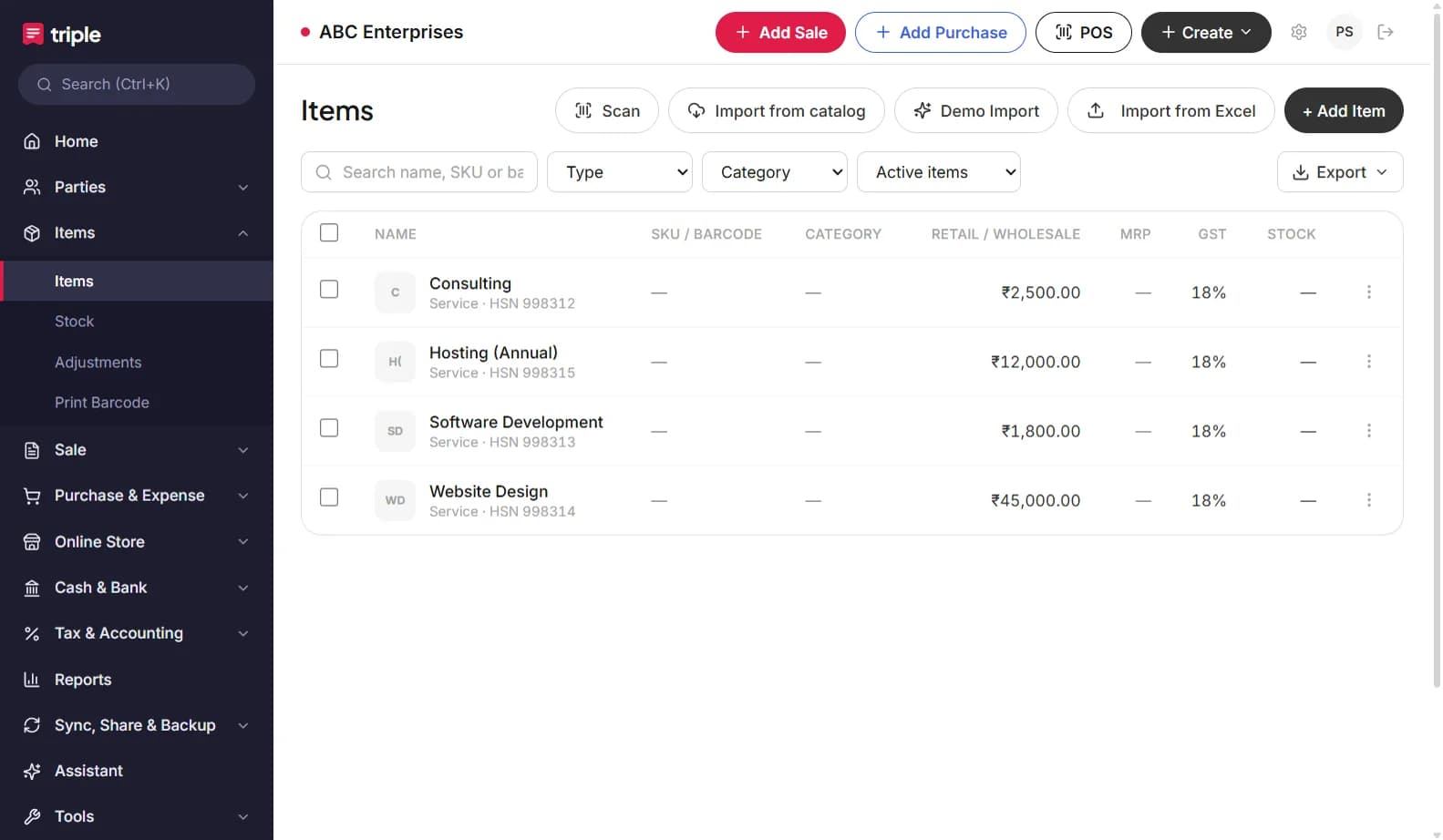
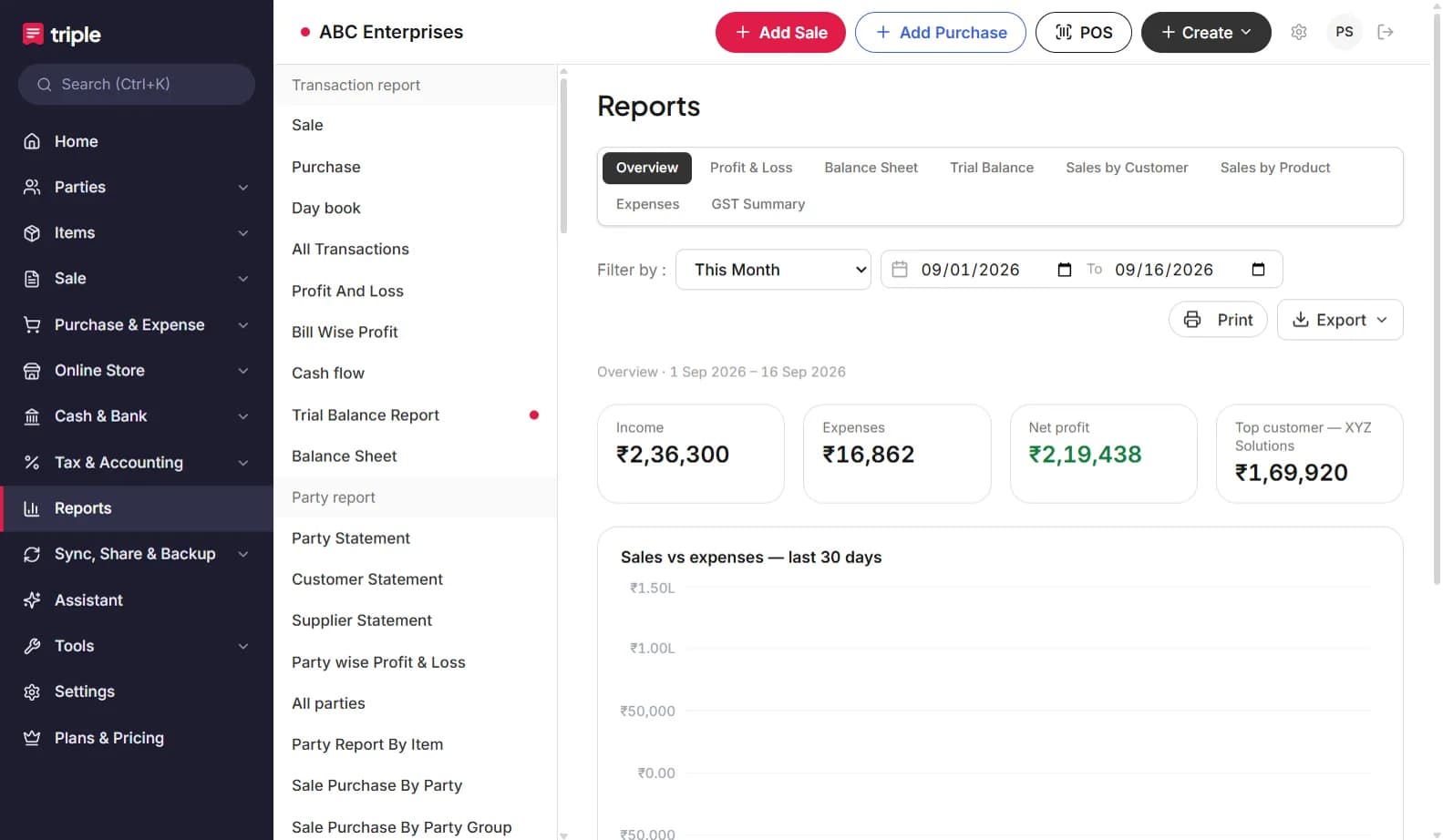
Screens from the Windows app
Windows app vs web app
| Windows app | Web app | |
|---|---|---|
| Offline | Yes, full | No |
| Install size | 491 MB | None |
| Photo recognition of products | Runs locally (models bundled) | Runs on the server |
| Triple AI assistant and bill scan | Needs internet | Needs internet |
| Updates | Download the new installer | Automatic |
| Printing | Windows printers, thermal 58/80 mm | Browser print |
| Same account and books | Yes | Yes |
Frequently asked questions
Is TripleBill for Windows free?+
Yes. The installer is free and the app runs on the Free plan with no expiry: GST invoices, POS, inventory, purchases, expenses, GST reports and accounting.
Does it work without internet?+
Yes. After the first sign-in the app keeps a local database. Billing, stock, purchases and reports work offline; it syncs when a connection is available.
Which Windows versions are supported?+
Windows 10 and 11, 64-bit. The installer is about 450 MB because it bundles its own database engine and the AI models used for photo scanning.
Windows shows a SmartScreen warning. Is it safe?+
Compare the SHA-256 on this page with the file you downloaded; if they match, the file is the one we published. Choose "More info" then "Run anyway". The installer is not code-signed yet, which is why Windows shows the warning.
Can I use the same account on the web and Android?+
Yes. One account, the same books on every platform.
Where are backups kept?+
The desktop app keeps local backups in its data folder and you can export a business backup from Sync, Share & Backup at any time.